
WordPress does the generous, mostly invisible work of porting security fixes back into older release lines and pushing them out automatically, if possible. However, the Updates screen only ever shows the major upgrade to the latest release even when a security patch for the site’s existing branch is available and the site is vulnerable. There’s no mechanism for manually accepting an available same-branch security update. Is this a gap or oversight that prevents many aging sites on older branches from getting a needed security patch?
To understand this apparent gap better, I’ve been investigating how backports work and what sites actually get them. In this post I look at the history — how core updates developed to be as they are. It’s a “why is this fence in the road” question.
Updates that don’t ask to be applied
WordPress 3.7 introduced automatic background maintenance and security updates in October 2013. It was a substantial improvement — sites could receive important fixes without waiting for someone to log in and press a button.
Andrew Nacin’s guide, published the day after that landmark release, explained the reasoning behind the silent minor update channel. In the comments, he argued that prompting people to make the updates had not been enough. Unlike a phone, a website doesn’t buzz in your pocket. The team deliberately left out an interface switch for disabling the new auto-update feature.
That decision made maintenance and security updates automatic by default, without an off switch in the interface. It wasn’t a decision about everything an administrator should or shouldn’t be told, such as a situation where the minor auto-update channel is blocked.
Backports were part of the plan
The same guide described keeping an older branch secure automatically while still recommending the newest release to its owner. Nacin illustrated this with a hypothetical future 3.8.2 security release and a matching 3.7.2 backport, adding: “You’ll still be told to update to 3.8.2, of course.”
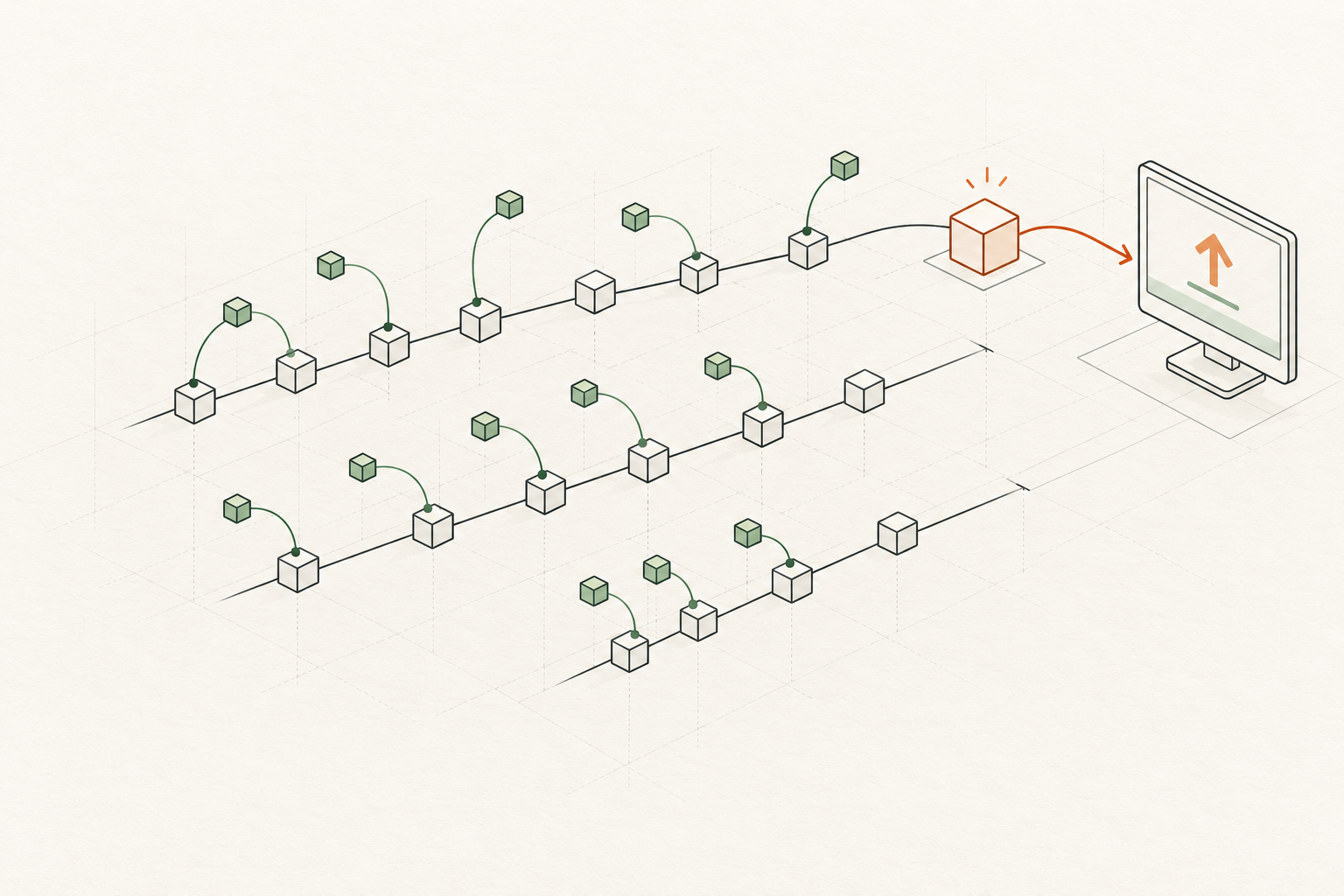
The backport goes to the auto-updater. The Updates screen points the administrator toward the newest release.
That example became the reality. The April 8, 2014 announcement for WordPress 3.8.2 said eligible 3.7.1 sites would receive 3.7.2 with the same security fixes. It also urged readers to upgrade to 3.8.2 and said older versions were not supported.
The backport goes to the auto-updater. The Updates screen points the administrator toward the newest release. I think that’s an accurate shorthand description of this arrangement, rather than a statement of anyone’s intentions for the admin interface or a global update policy for all time. Nobody anticipated all the ways that sites might be unable to update automatically, for one reason or another, a not uncommon situation as I’ve previously laid out.
How the Updates screen gets its list
On October 15, 2013, Nacin committed changeset 25783. Its message was direct: “Hide auto updates from update-core.php directly in get_core_updates().”
Previously, the Updates screen’s display code left automatic update offers out of its manual choices. Nacin’s additional change moved that filtering into the function supplying its list.
The current function still skips offers whose response is autoupdate. It does not ask first whether this particular site can install them automatically. The offer’s label controls whether it appears in the returned list.
In my updater tests, older-branch security patches arrived with the autoupdate label. As a result, an available fix could be missing from the manual update choices even when automatic updating was disabled. That’s the specific behaviour I can demonstrate is problematic and questionable for core.
“Quiet” doesn’t mean “no notifications”
In the September 25 IRC discussion contributors debated notification emails for successful updates, failures, and sites that could not update themselves. Mark Jaquith asked about security fixes for the previous branch, and Nacin confirmed that core and the API could deliver them. Later, Nacin distinguished that ability from the dashboard’s latest-release indicator. Older branches were being considered, not forgotten.
In the October 16 discussion, the team worked through the dashboard wording and whether to explain why automatic updates were unavailable. Nacin worried that pointing users toward file permissions would lead them to break their sites. The restrained message had reasons behind it. But while the discussion explains the presentation choices, it does not establish why the automatic-offer filter was moved into the shared function the day before.
The original system did include email notifications. Nacin’s guide describes messages after updates, on failures, and when a site cannot update, with settings and update-offer flags affecting delivery. Suppressing options in favour of decisions has long been a fundamental design principle for WordPress core, but there is no evidence of an intention to make backports quite as hidden as they have become for older branches that could use them.
An email and an install button still do different jobs. In my view, a person who goes to the Updates screen needs to see no more than two choices there, if they are available. Recommending the latest release on the latest branch is always good, but so is offering the latest security update for the branch the site is running.
Who would benefit from visible, manually installable backports?
In my October sample, 93 of 167 older-branch sites missing the newest patch still showed no version change nine days later. Another five could no longer be read. These are the retained aggregate counts. The per-site records were deleted for privacy and security reasons after the final check, so individual histories cannot now be rechecked. That is a patching gap, but the scans can’t tell us what caused it.
Some sites depend on a host or deployment process. Some may have stopped patching accidentally. Others may be held on their branch for a reason. The public version strings don’t distinguish those cases, and they don’t establish that changing the Updates screen would have changed the outcome.
What the updater tests establish is simpler: someone trying to patch an older branch can be shown the major upgrade without being shown the smaller available fix.
Quiet and clear can work together
Two changes would help: a Site Health check that reports whether WordPress.org flags the installed version as insecure, and an Updates screen that offers an available security patch for the existing branch when someone needs to install it deliberately.
I built both into Keel, a plugin designed to make WordPress core defaults visible and controllable in settings and the Site Health tool. It uses WordPress’s upgrader for the deliberate installation and reports blockers rather than promising every site can update. It still needs someone to look at the current state, and it cannot replace a host’s deployment process.
I’d rather see these features in core. Automatic patching should keep doing its quiet work. When someone has to act deliberately and manually to install a patch and secure a site, the current branch security fix should be visible as a choice on the Updates screen.
Part of this series
- Your WordPress site’s age decides whether it installs major updates
- Is your old WordPress site still getting security updates?
- Keel Defaults
- Who actually gets WordPress security backports?
- You can’t observe a security backport by waiting for one
- WordPress security backports: quiet by design (this post)
- What I’d do differently next time: studying WordPress patch uptake
How this article was researched & written
The history comes from the 3.7 announcement, Nacin’s guide and comments, changeset 25783, the September 25 and October 16, 2013 IRC discussions, and the 3.8.2 announcement. The present behaviour is documented in the linked code reference and my separate updater tests. I also checked the October 14–17 IRC logs around the code change. The October 15 log records the commit, but I did not find an explanation there of why the filtering was moved into the shared function. I have not asked the original contributors for comment.
Claude helped with the original draft. Codex checked the historical sources and revised this version at my direction. The judgement calls, the framing, and the errors that remain are mine.
Leave a Reply